60 computer hours
For the time your computer is running, shared by all your Vunxas.
A place of your own
A full private computer in the cloud for your Vunxas, files and ongoing work. Choose a specialty and make it yours.
Check your account to see the offer available to you.
Billed monthly in USD. Cancel anytime.

Included in your membership
A private cloud computer reserved for you, with one specialty included.
20 GB included for your work
Automatic computer backups
For the time your computer is running, shared by all your Vunxas.
For conversations, research, images and other paid AI work, at providers’ published rates with no added markup.
Your computer stops automatically when it’s no longer in use. Your files and your Vunxas’ knowledge stay saved.
Your work and system files share your computer’s storage. Available space changes as you use it.
Need more? Add prepaid credit for additional AI usage and computer time. Extra computer time costs $0.10 per hour. Storage purchase preview: 10 GiB for $4.00/month as a separate subscription.
Choose where to begin
Find specialist help for the things you do. Your account determines the membership and specialty options available to you.
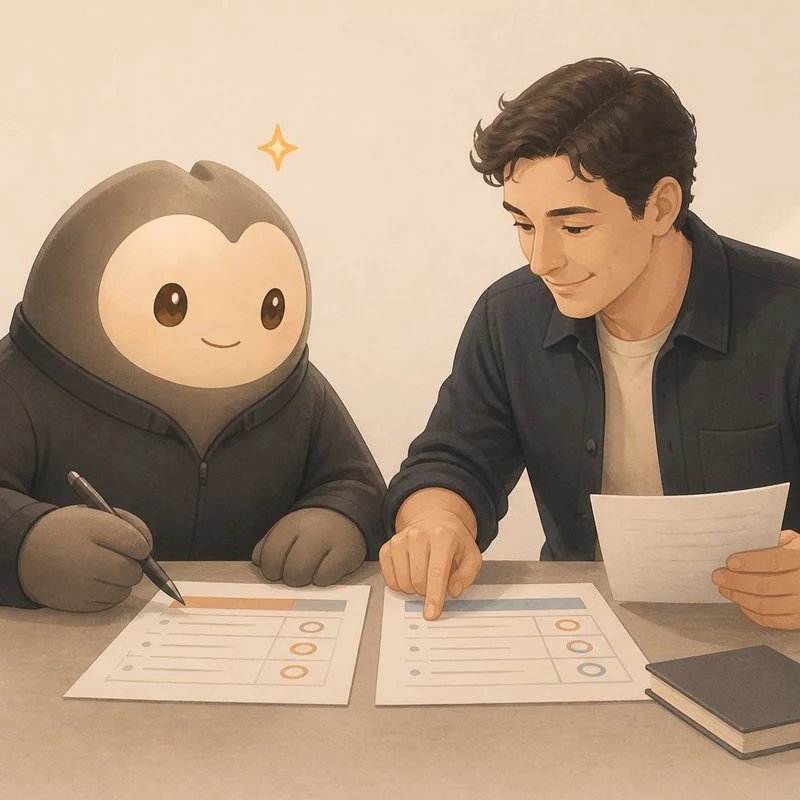
Turn research and decisions into useful documents, presentations, websites and apps shaped around your work. Just type or talk with a continuing AI companion that gets to know your projects.

Learn something you have always wanted to understand. Plan a trip, find something wonderful to cook or step into a personal illustrated adventure. Your AI companion brings practical apps and saved plans alongside the conversation.

Build an app or improve an existing project with an AI engineering partner. Explain what you need by typing or talking, whether or not you program. Add AI features to your software, or create new specialties for your Vunxa.
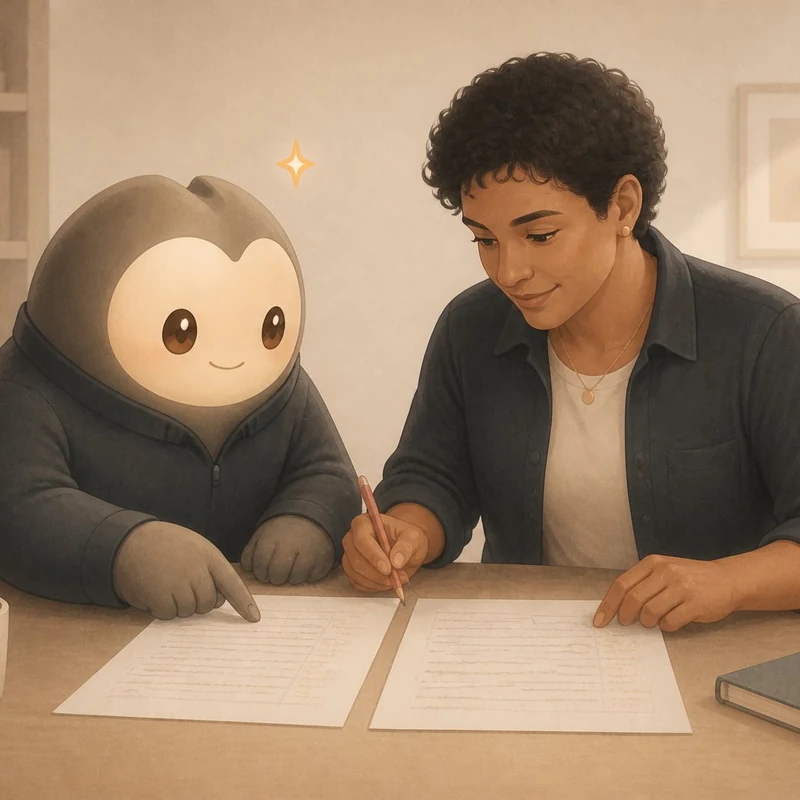
Write your book or dictate from your phone, with specialist AI support for editing, covers, translation, publishing and reaching readers. You write and keep your voice and creative control.

Build your world, prepare adventures and maps, get help during play and carry the consequences into your next session. For Game Masters running Dungeons & Dragons and other systems, with an optional virtual tabletop included. You run the game.
No. Open Vunxa in your browser on your phone, tablet or computer and sign in. Your Vunxas and saved work live on your private cloud computer, so you can return to them from another device. You just need an internet connection.
Time counts while your cloud computer is running, including background work and idle time before it stops automatically. Ongoing work can keep it active. Time is metered by the second; a stopped computer uses no hours. Your files and knowledge remain saved.
AI credit is a dollar allowance, not minutes or messages. Vunxa selects official AI models suited to each task. Usage is charged at the providers’ published rates, with no added markup, whether it comes from your included credit or prepaid Extra Usage. Cost varies by model, service and task. Your account shows what you have used and what remains; computer hours are a separate allowance.
Yes. Cancel through the billing portal in Account settings whenever you like. Your membership stays active until the end of the period you have already paid for. Under the new service-end policy, we save a final work download before removing your computer. You have 30 days after removal to download it from your account. Conversations and memory are not included. Existing read-only retention commitments remain protected until an explicit transition.
Your allowances reset each paid billing month. Unused included hours and AI credit do not roll over. Prepaid Extra Usage does not expire and covers both additional AI work and computer time after the relevant allowance runs out. Storage additions have their own monthly subscriptions.
Storage purchasing is not available yet. Planned additions come in 10 GiB steps for $4.00 per step each month. A 50 GiB addition is $20.00/month. It starts a separate monthly subscription when you purchase it and does not use your AI allowance or Extra Usage. GiB is the storage unit used for these additions.
Cancelling stops renewal after the paid period. If your computer then exceeds the remaining storage allowance, your Vunxas pause until you add storage again. Your files are not deleted by cancelling storage.
Top-ups require payment confirmation in secure checkout and do not change your recurring membership price.
New paid AI work pauses when no AI credit or Extra Usage remains. Without computer hours or Extra Usage, the computer stops. Add funds or wait for your next paid renewal to resume the affected work.
Work already underway may finish and leave a negative balance. Later eligible funds clear that carried usage first. Your saved work is kept.
Questions before you begin? We’re here to help.
See the membership terms and privacy policy, including how cancellation and data retention work.